What's tunXten?
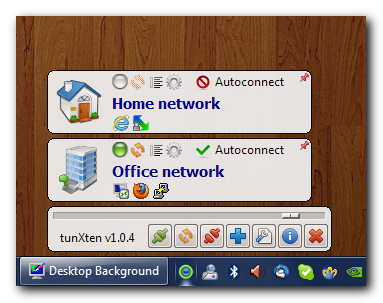
It's a Windows OpenVPN GUI client designed with usability as a top priority in mind.
Why do you need it?
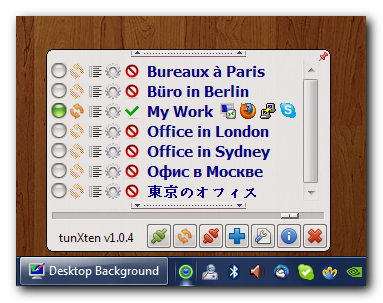
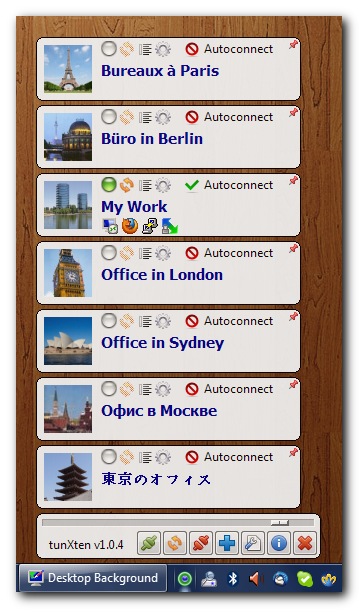
Have you ever had to work with several OpenVPN connections at once? Then you know it can be painful. You feel like a juggler trying to set five or six plates spinning at the same time. Using a single VPN configuration is a simple enough task, but with their number growing it becomes like assembling a bike chain with a screwdriver. It doesn't have to be this way any more, now that you have tunXten.
What makes it better?
-
You can use it for free forever as long as you're happy with what the free version offers.
-
Absolutely no dependencies. You don't need to install .NET, Java or any other runtime. Consequently, it has a very small memory footprint and performs really fast.
-
Extensive logging and information filtering capabilities. Nothing is ever hidden, you always see what's happening.
-
Easy deployment options for system administrators. You can create custom installers with arbitrary OpenVPN configurations included, set up just the way you want.
-
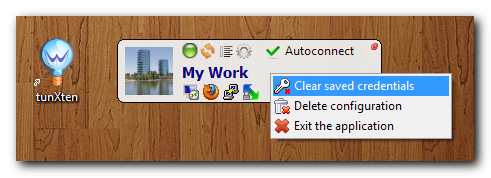
Auto login. Your credentials can be securely stored for later reuse to save you the trouble of entering them over and over again.
-
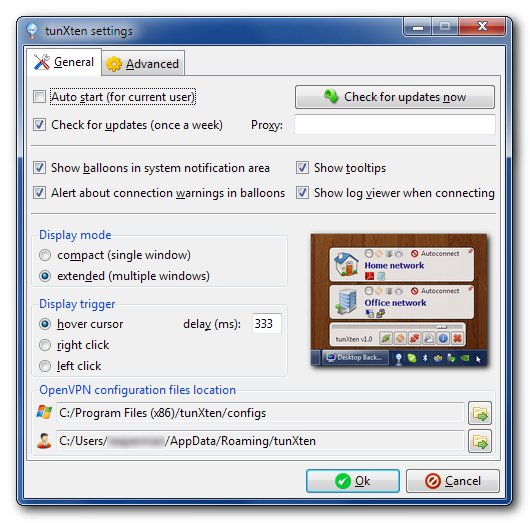
Extreme ease of use. Everything is compact and easy as pie, you won't have to navigate through multitudes of menus and property pages to do simple things.
-
No admin privileges required. You can run it even under a restricted user account (although you still have to install it under an admin account).
-
Custom actions can be bound to any of your VPN connections, so that you can have your most frequently used shortcuts readily available within reach.